Home / Residential
Home Wi-Fi that reaches every room
Dead zones, buffering, dropped video calls, smart-home devices that keep falling off. Usually it is coverage and backhaul — and both are fixable.
Sound familiar?
The problems we get called about
Dead zones
The back bedroom, the shop, the upstairs office, the patio. One router in the corner of the house was never going to cover it — especially with plaster, brick, foil-backed insulation, or a detached building in the way.
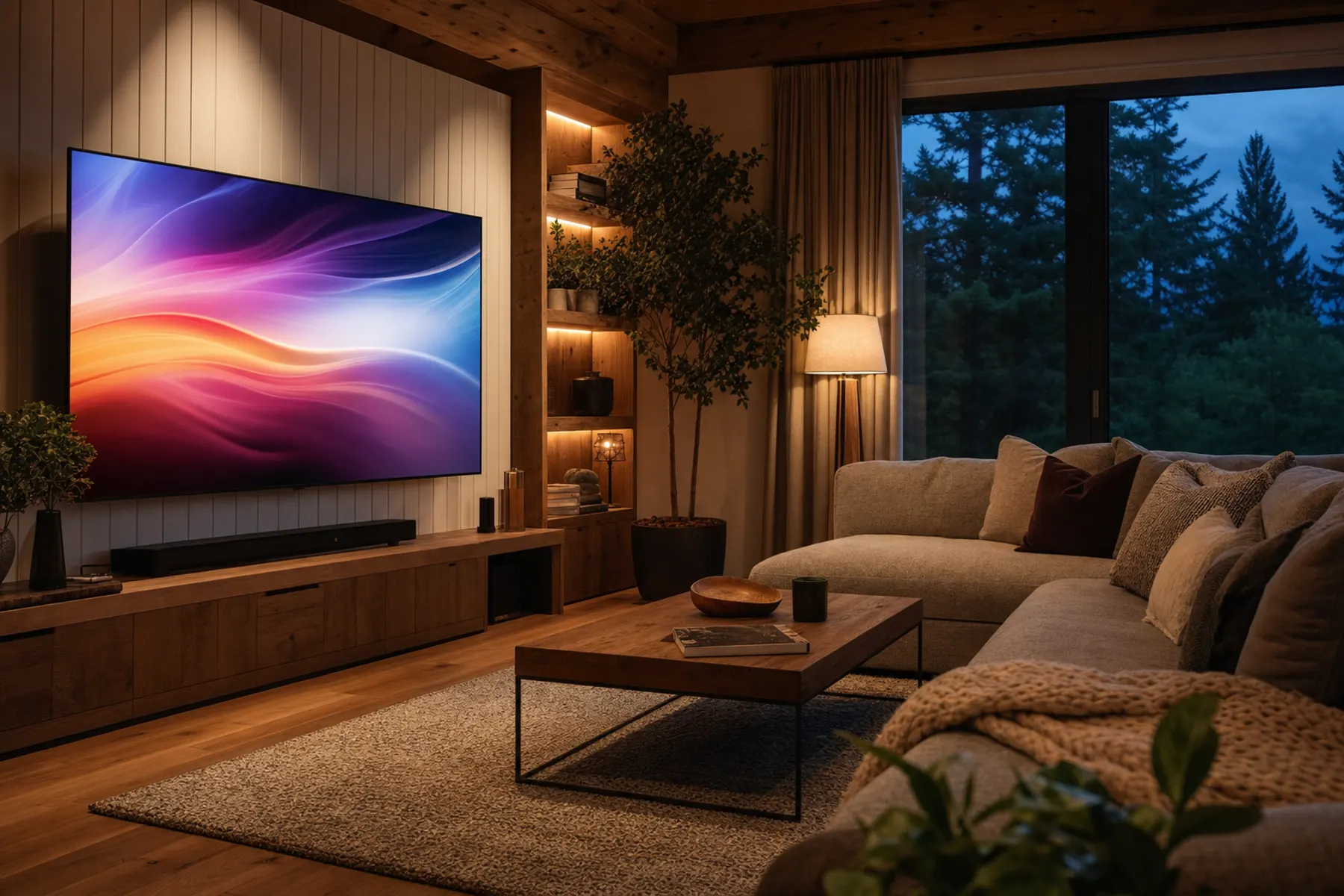
Buffering on the good TV
Streaming stalls in the evening while everyone is home. We wire what should be wired, give the rest strong clean wireless, and stop devices from fighting over one overloaded radio.
Working from home
Video calls that freeze right when you are talking. A hardwired desk drop and a properly placed access point in the office end most of it.
Smart-home devices dropping
Cameras, thermostats, plugs, and speakers that fall off and need re-pairing. We give IoT devices their own tidy place on the network so they stay connected and stay out of the way.
Mesh that never fixed it
Store-bought mesh nodes daisy-chained across the house lose speed at every hop. Wired backhaul to real access points is the difference most people feel immediately.
A network nobody set up
Default passwords, the ISP's rented gear, and a guest network that was never turned on. We straighten it out and write down what you have.
What a real install looks like
Designed for your house, not a generic floor plan
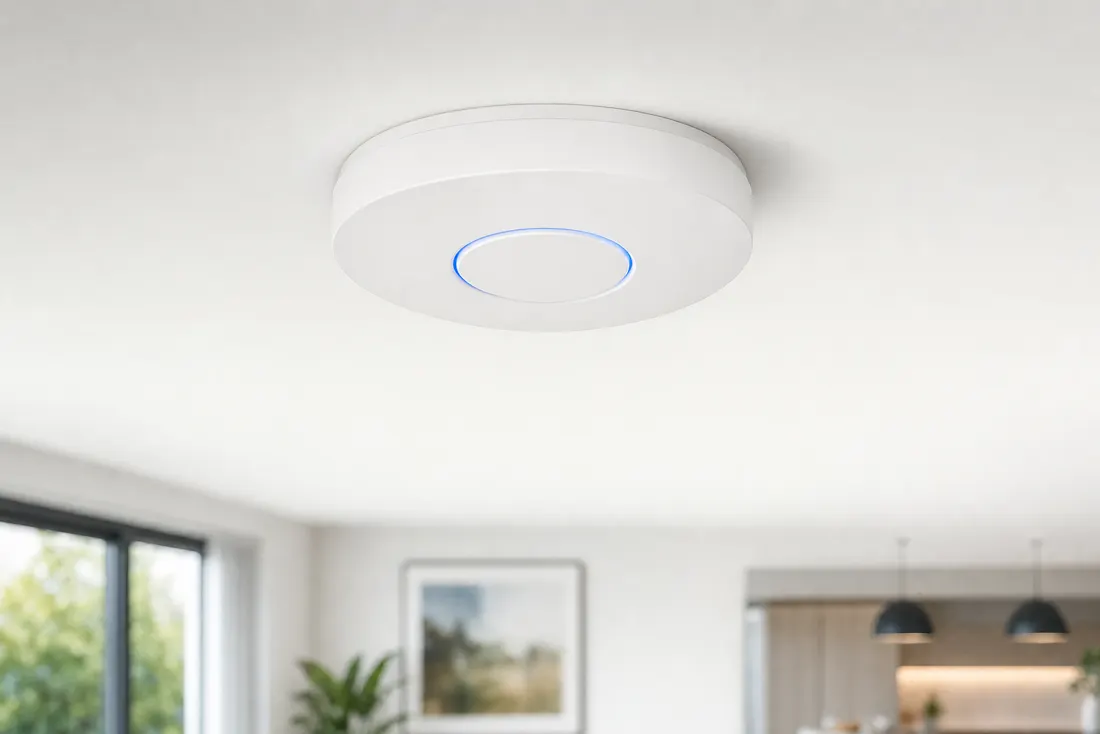
Every house behaves differently. A 1920s bungalow with lath-and-plaster walls needs a different plan than a 3,000 square foot single-story with a detached shop. We walk it, measure it, and design around what is actually there.
- On-site survey: layout, wall construction, distances, and where you actually use devices
- Access point count and placement based on coverage, not on a box quantity
- Cat6 runs to each access point where the structure allows it
- Hardwired drops for desks, TVs, game consoles, and NAS
- Guest Wi-Fi for visitors, separate from your own devices
- Coverage extended to shops, garages, ADUs, and outdoor areas
- Everything labeled, documented, and demonstrated before we leave
Questions we get
Straight answers
Do I have to replace my internet provider?
No. Your provider delivers the internet to the building; we handle everything from that point inward. In many homes we keep the ISP equipment in place and put a proper network behind it.
Will you have to tear up walls?
We work with the structure — attics, crawl spaces, closets, and existing chases. Most homes can be wired with minimal disruption, and we tell you up front where a run is going to be difficult or where mesh is the more sensible option.
Why UniFi instead of consumer mesh from a big-box store?
UniFi gear is built to be wired, managed, and monitored as a system. That means you get real coverage control, one network that follows you through the house, and the ability for us to look at problems remotely instead of guessing.
Can you cover a shop or a detached building?
Usually, yes. Depending on distance and line of sight, that is either a buried or aerial cable run, or a point-to-point wireless link. We will tell you which one your property calls for.
What does it cost?
It depends on the size of the home, how many access points it needs, and how hard the cable runs are. Call (541) 761-5448 and describe the place — you will get a real quote, not a menu price.
Do you help after the install?
Yes. You can call us any time, and we offer ongoing care plans with monitoring, firmware upkeep, and remote troubleshooting.
Also for homeowners
Rural internet, smart home, and the gear you already bought
Starlink installation
Out where cable and fiber never made it, satellite is the answer — if the dish is sited for clear sky and the network behind it is built properly. We do both, including coverage out to shops and barns.
Starlink detailsSmart home planning & setup
Lighting, locks, thermostats, doorbells, and sensors that stay online — because they are on their own segment of a network designed to carry them, not fighting for scraps.
Smart home detailsBring your own network
Already bought equipment, or want to source it yourself? Bring it. We will configure and integrate it properly — no requirement to buy hardware through us.
BYON detailsService area
Homes we can get to
Home base is Grants Pass, Oregon, in the Rogue Valley. From there Logical Chaos Solutions covers a wide regional footprint — Western and Central Oregon, Southwest Washington, and Northern California. Same owner, same phone number, wherever the job is.

Western & Central Oregon
- Grants Pass
- Medford
- Ashland
- Roseburg
- Eugene
- Salem
- Corvallis
- Bend
- Redmond
- Portland
Southwest Washington
- Vancouver
- Longview
- Kelso
- Camas
Northern California
- Yreka
- Mount Shasta
- Redding
- Crescent City
Travel beyond the Rogue Valley? Call (541) 761-5448 — remote and regional jobs are welcome. Tell us where you are and what you need, and we will tell you straight whether we are the right fit.
Next step
Get the dead zones off your list.
Call and describe the house — square footage, floors, construction, and where the signal dies. We will walk you through what a proper fix looks like.
- Phone
- (541) 761-5448
- Hours
- 7 days a week, 7am – 10pm
- Home base
- Grants Pass, Oregon